 Cart Rocket
Make Shopify Cart Links from Claude or ChatGPT
Cart Rocket can now connect to Claude or ChatGPT, so you can describe a campaign in a chat and get a working cart link back. Setup takes one URL. This post covers the steps and what to ask for.
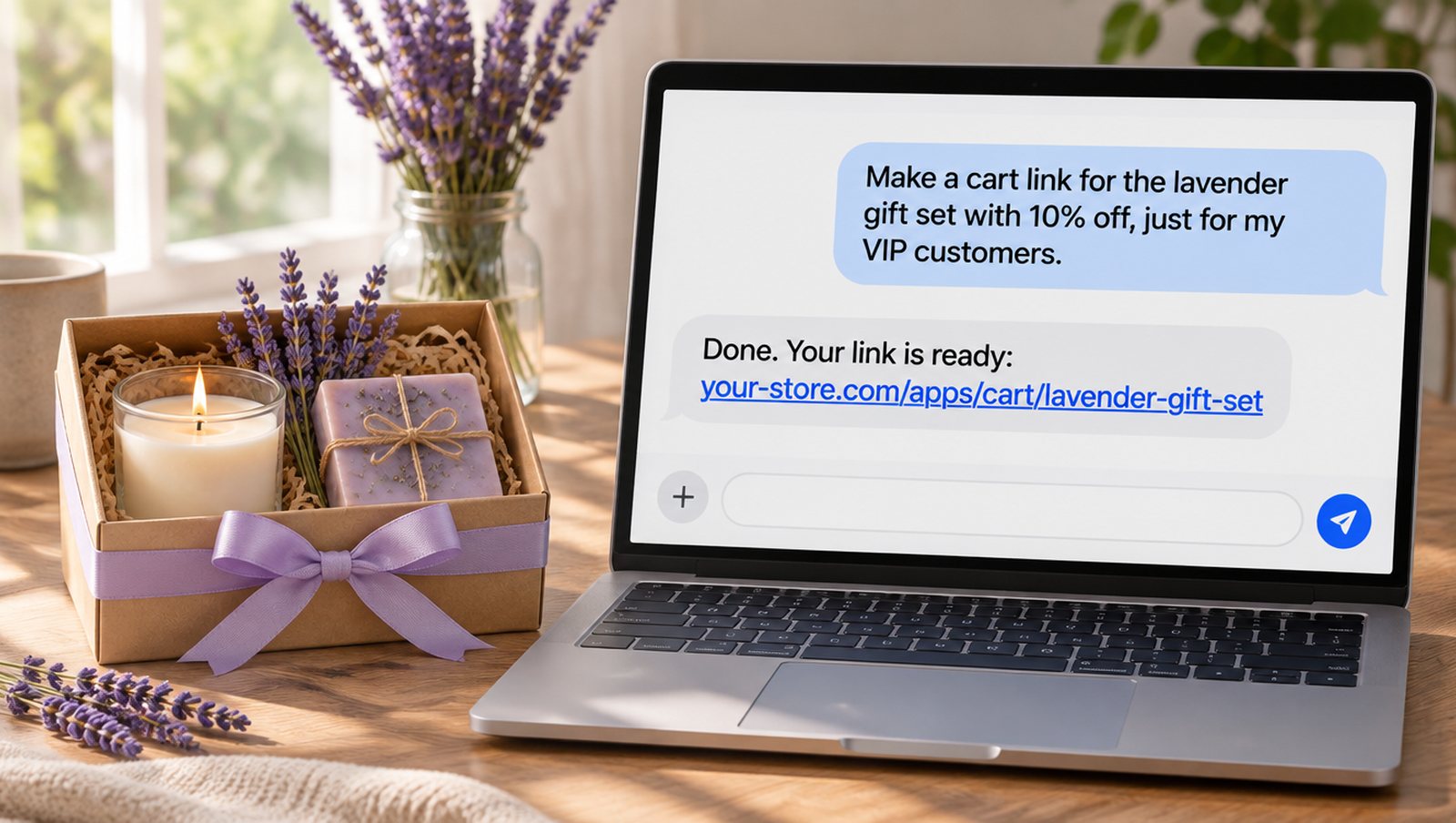
AI-generated illustration with sample data. Not a real product image.
Connect your assistant
- In Cart Rocket, open Settings and go to AI assistants.
- Click Get connector URL and copy it. You only see the URL once.
- In Claude, go to Settings, then Connectors, choose Add custom connector and paste the URL. Under Authentication, choose No sign-in. Claude shows a warning about this, which is expected, because the URL itself works as the key. Claude's Free plan allows one custom connector.
- In ChatGPT on the web, open Plugins, click the plus button and choose Add custom MCP server. Paste the URL as the server URL, choose No authentication, accept the warning and click Create as a plugin. ChatGPT asks you to confirm before it creates, changes or deletes a link.
The AI assistants card shows when the URL was made and last used, so you can tell whether it's working.
What to ask for
Name the products and the offer the way you'd brief a colleague. The assistant finds the products in your store, builds the link and replies with the link's name and URL, plus a URL to open it in the cart editor. A few requests to try:
- "Make a cart link for the lavender gift set with 10% off, just for my VIP customers." Shoppers who aren't logged in are asked to log in first, so Cart Rocket can check they're in the segment.
- "Add the travel candle free to my spring bundle link."
- "Make a link for the starter box on the monthly subscription, and let shoppers pick a size."
- "Copy my Black Friday link for the SMS list, and set the UTM source to sms."
- "Make the intro offer for new buyers only, and end it on December 1 at 23:59."
- "Which of my cart links sold the most in the last 30 days?"
Links made this way are the same as links made by hand. They open in the editor, show up in Analytics and count towards your plan's limit, so Basic stores still get one working link.
What your assistant can change
It can set products, quantities, subscription plans, discounts on single products or the whole cart, free shipping, discount codes, order tags, UTM tracking, start and end dates, and customer segments or specific customers. It can also lock a cart, turn on New buyers only, and set up add-on links. It changes only what you ask for, and the link's address stays the same.
A few things stay in the cart editor, including countdowns and the wording on the options page. If you ask for one of those, open the edit link from the reply and finish there.
Deleting a link takes two steps: the assistant names the link and asks you to confirm before anything goes. A deleted link stops working right away and can't be brought back.
Keep the URL private
Anyone who has your connector URL can create cart links in your store, so treat it like a password. Cart Rocket keeps only a scrambled copy, which is why you can't view it again later. If you think it has leaked, click Delete on the AI assistants card. Claude and ChatGPT stop working with Cart Rocket straight away, the links they already made keep working, and you can get a new URL whenever you like.
How this differs from Sidekick
Cart Rocket also works with Shopify Sidekick inside your admin. Sidekick opens the cart editor so you can review a link and save it yourself. A link made in Claude or ChatGPT is saved as soon as it's made, so open it once and check it before you share it. The AI assistants docs list everything the connector can do.
Try it on your store
Cart Rocket builds pre-loaded cart links for Shopify with automatic discounts, bundles, an options page, order tags, UTM tracking and QR codes. Basic is $9/month for one cart link with every feature; Pro is $15/month for unlimited links.
Install Cart Rocket →