 Cart Rocket
Keep a Shopify Offer for First-Time Buyers Only
An intro offer costs you margin on every order, and it only earns that back when the buyer is new. Cart Rocket's New buyers only setting keeps past buyers from checking out with the link, using the email they type at checkout.
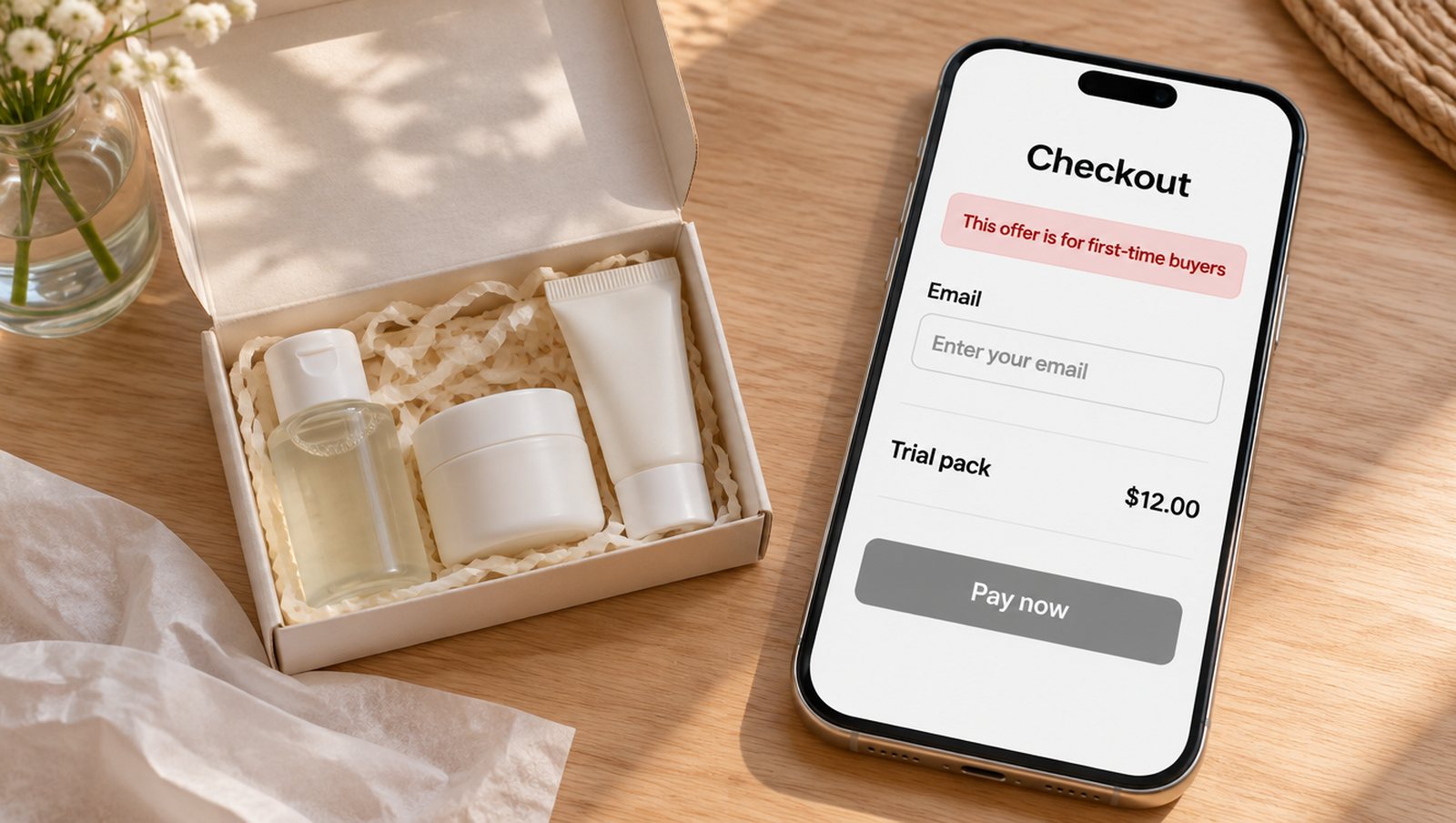
AI-generated illustration with sample data. Not a real product image.
Why a login check isn't enough
New shoppers don't have an account yet, and plenty of returning ones don't log in. Rules that depend on a login, such as per-customer purchase limits, work well for VIP offers and much less well for a paid ad aimed at strangers. New buyers only checks the email entered at checkout, so guests are covered and shoppers never hit a login screen. That includes Shop Pay and other express checkouts.
Set it up
- Open your cart link, then Advanced, then New buyers only.
- Tick Only for shoppers who haven't bought these products. The products in the cart are picked for you.
- Click Choose products if a past buyer should mean something wider. For a trial pack, you might add the full-size product as well, so existing customers of either are left out.
- Write your own Message for past buyers, or leave it empty to use the default.
- Save the cart. If Cart Rocket asks you to approve a new permission, approve it and save again.
Saving turns on a checkout rule called Cart Rocket: locked offer carts in Shopify, under Settings > Checkout > Checkout rules. Cart Rocket then goes through your whole order history for those products, which can take a few minutes on a big store, and the editor tells you while it's running. New orders are counted as they come in.
What a past buyer sees
The link opens as usual. At checkout, once the shopper's email matches an earlier order, your message appears at the top and they can't pay with this link. The default says:
This offer is for first-time buyers, and this email has ordered these products before. Use a different offer or shop at regular prices.
A good custom message gives them somewhere to go, because this person is a customer you want to keep. Point them to your loyalty offer, or give them a code that's meant for returning customers. You have 250 characters.
Where the limits are
- Someone who checks out with a different email counts as a new buyer, so a determined bargain hunter can get past this with a second address.
- Refunded and cancelled orders still count as bought.
- The check runs on the products you pick, so a customer who bought something else from you still counts as new for this offer.
- If someone turns the checkout rule off in Shopify, past buyers can use the link, and the cart editor shows a warning.
Good fits
This works best on links you send to cold traffic: a first-order discount in a paid ad, or a sample pack in a creator's bio. It also pairs well with Lock offer cart when the offer price only makes sense for an exact set of products. The New buyers only docs have the full details.
Try it on your store
Cart Rocket builds pre-loaded cart links for Shopify with automatic discounts, bundles, an options page, order tags, UTM tracking and QR codes. Basic is $9/month for one cart link with every feature; Pro is $15/month for unlimited links.
Install Cart Rocket →