 Cart Rocket
Add-on Offers That Keep the First Deal
Say your landing page sells a starter box at 20% off, with buttons to add extras at a special price. Each button can now be its own cart link, and the shopper keeps every deal they've picked up. Two settings make this work.
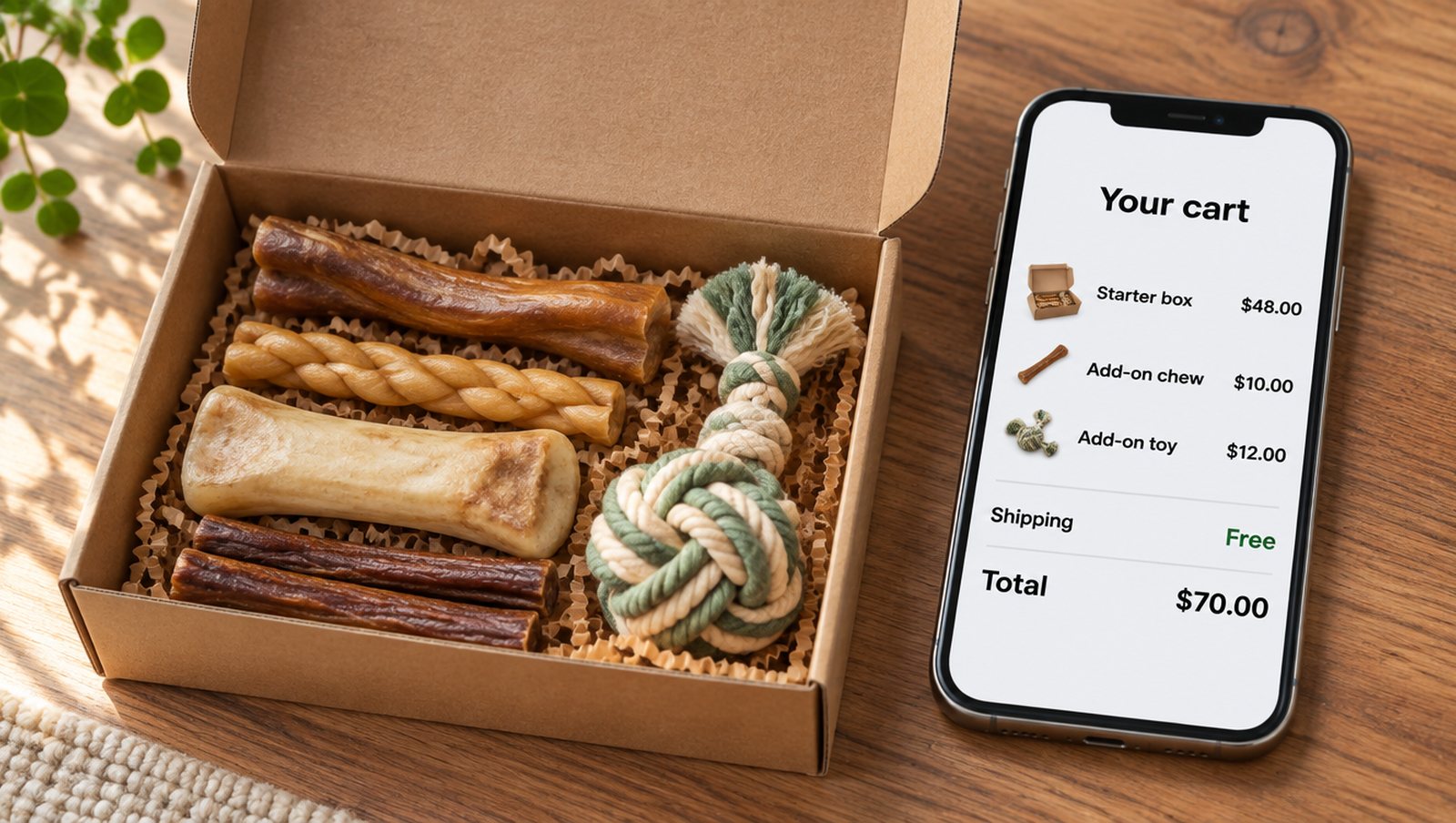
AI-generated illustration with sample data. Not a real product image.
What happens by default
A cart link's offer replaces the offer from any link the shopper opened earlier. That's the right behaviour for most campaigns, because someone who clicks an email and then an ad should get one offer. Add-on pages need the opposite, so the new settings are off until you turn them on.
Set up the main link
Build the starter box link as normal, with its discount and any free shipping. Leave Empty the shopper's cart before adding these items on, so the shopper starts clean.
Set up each add-on link
- Create a cart link for the add-on, with the price you want as a discount on that product.
- Open Advanced, then Checkout options, and untick Empty the shopper's cart before adding these items.
- Tick Keep offers from other cart links already in the cart.
- Tick Redirect to cart instead of checkout if shoppers should see their cart after each add-on.
- Open Needs another product, tick Only while one of these products is in the cart, and use Choose products to pick the starter box.
- Save, then copy the link onto the add-on's button.
A shopper who opens the starter link and then adds two extras keeps the 20% off, the free shipping and both add-on prices.
What Needs another product does
Without it, someone could open the add-on link alone and get the special price. With it, the link's product, cart and shipping discounts only apply while one of your chosen products is in the cart. If a shopper removes the starter box, the add-on goes back to full price on its own. Shopify discount codes on the link keep their own rules, so set up any code conditions in Shopify.
Things worth knowing
- A cart can hold up to 10 offers.
- If the shopper opens the same add-on link twice, its newer offer replaces the older one.
- Keep offers doesn't show on a locked cart. If your main link is locked, the add-on products don't count as changes to it.
- Shopify's own rules still decide what can combine. Check the result with Check how codes combine if you've added codes.
Test the whole path
Open the links in the order a shopper would, in a private browser window, and go as far as the checkout summary. Then try the awkward order: open an add-on first, then remove the main product. You should see the add-on at full price. The Add-on links docs cover each setting.
Try it on your store
Cart Rocket builds pre-loaded cart links for Shopify with automatic discounts, bundles, an options page, order tags, UTM tracking and QR codes. Basic is $9/month for one cart link with every feature; Pro is $15/month for unlimited links.
Install Cart Rocket →