 Cart Rocket
VIP-Only and Once-Per-Customer Offers with One Cart Link
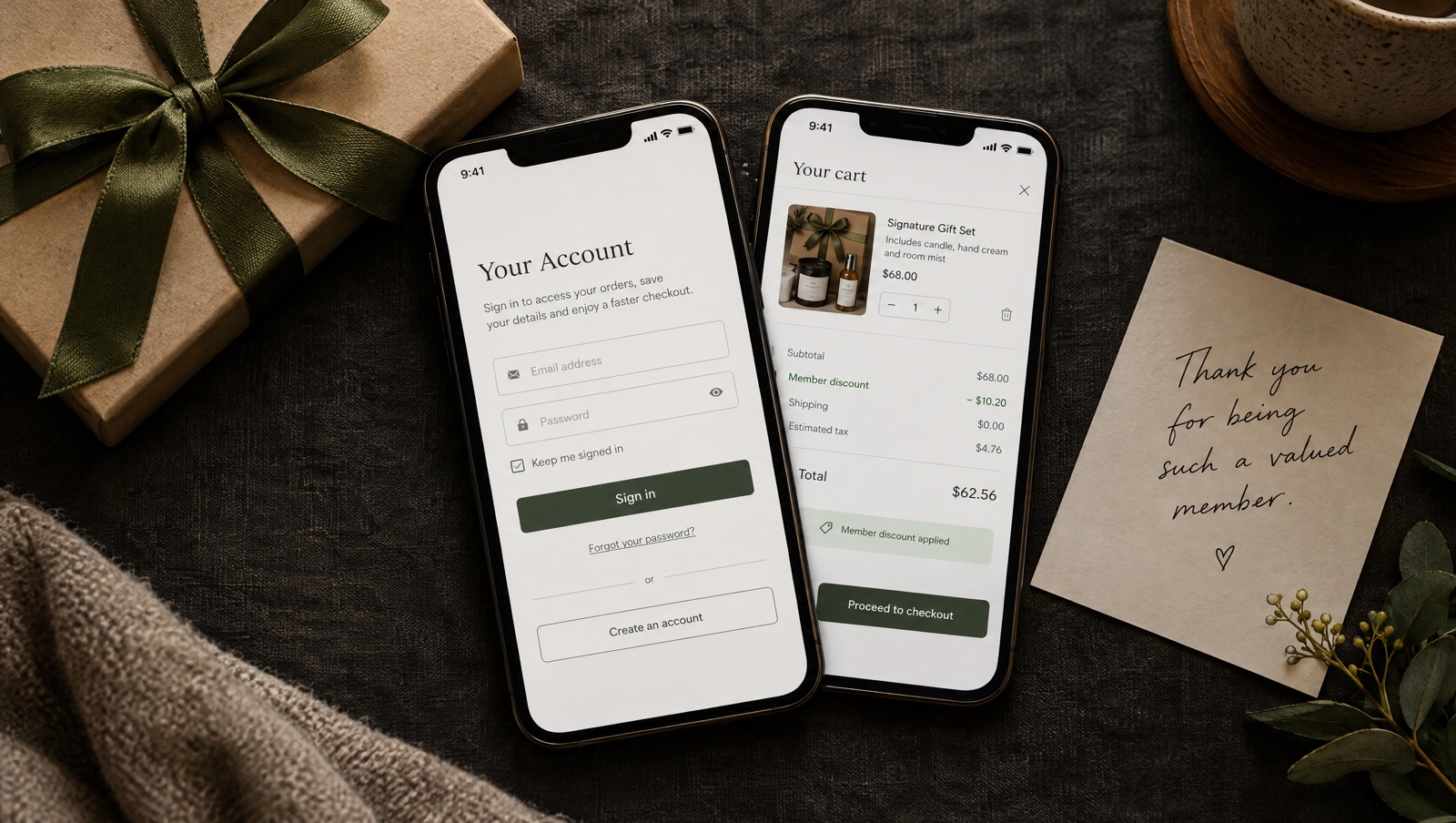
A VIP offer only stays special if VIPs are the ones using it, and a once-per-customer offer needs something that counts. Cart Rocket's customer rules and purchase limits handle both on the same cart link. Here is what each setting does and the one condition that matters most: the shopper has to be logged in.
Two kinds of control
A members-only offer and a once-per-customer offer sound similar, but they solve different problems. In Cart Rocket they're separate groups under Advanced in the cart editor, and you can use either or both:
- Customer rules decide who can use the cart link.
- Purchase limits cap how many purchases go through it, per customer and in total.
Each group gets an In use badge once it's set up, so you can tell at a glance which carts have restrictions.
Customer rules: who can use the link
Customer rules have three settings.
- All customers. Anyone with the link can use it. This is right for ads, public posts and newsletters.
- Specific customer segments. The link works only for customers in the Shopify segments you choose, such as VIPs, a loyalty tier or wholesale buyers.
- Specific customers. You pick individual customers, for private drops, early access or a one-off offer.
With either of the last two, a shopper who isn't logged in is asked to log in first. A logged-in shopper who isn't eligible is sent to the product or home page with a short notice, rather than an error page.
Build the segment in Shopify first
Segments come from your Shopify admin. Shopify describes them as rule-based customer lists that update on their own: customers are added or removed as they meet the criteria or stop meeting them. You build one from filters, or start from one of Shopify's templates. See Shopify's guides to customer segmentation and creating customer segments (checked October 14, 2026).
Because segments update on their own, a link limited to your VIP segment keeps up with your customers. Someone who joins the segment next week can use the link without you changing anything in Cart Rocket.
Use Specific customers when the list is short and personal: the ten people who pre-ordered last year, or one customer you're making something right for.
Purchase limits: how many times
Purchase limits have two caps and a reset.
- Max purchases overall caps total purchases across all customers, for example 100. It suits limited stock and limited drops.
- Max purchases per customer limits how many times each customer can buy through the link, for example once.
- Reset usage sets the purchase counters back to zero from the cart editor, at any time.
When a link reaches its limit, shoppers are sent to the product or home page with a short notice.
The login condition
Per-customer limits only work when the customer is logged in to their account. On a public link set to All customers, shoppers can still check out without logging in, and the per-customer limit can't count them. On a link like that, "once per customer" means once per logged-in customer.
If the offer really must be once per person, pair the per-customer limit with a customer rule. A link limited to a segment or to specific customers asks logged-out shoppers to log in first, so everyone who gets through is someone the per-customer limit can count.
Three offers you can build
The VIP thank-you
A cart link with a gift set and a member price, limited to your VIP segment, with Max purchases per customer set to 1. Add an end date under Active dates so it closes after the thank-you window. Turn on Tag orders in Tracking with a tag like vip-thanks so you can find those orders later.
Cart Rocket's Automations page has Shopify Flow recipes for this kind of send, including Send a VIP reward link and Scheduled VIP gift claim. You build the workflow in Shopify Flow from the recipe's steps and paste your cart link into the email action.
The first-order welcome
A welcome offer limited to once per customer, sent in your welcome email. If you send it to one person at a time, Checkout details can fill in their email and name from your email tool, so they only need to pay. Remember the login condition above: on a public link, shoppers who aren't logged in aren't counted.
The limited drop for your list
A segment-only link with a cap on both: Max purchases overall at the number of units you have, and Max purchases per customer at 1 so one buyer can't take the lot. The overall cap closes the drop when it sells through. If the drop is fixed-price, Lock offer cart means checkout only goes through with exactly the products and quantities you built (carts with bundles can't be locked).
Running it again
For a monthly members' offer, you don't need a new link each month. Change the products or discount, set the new active dates and use Reset usage so everyone can buy again. The link in your members' area keeps working as long as you leave the link address alone.
Be careful with the link address, though. If you change it under Advanced and Link address, links already shared with the old address stop working, Analytics for the new address starts from zero, and per-customer purchase limits start counting again.
What shoppers see when they can't use it
Every case ends the same way: a short notice on the product or home page, never an error page. That covers a shopper outside the segment, a customer who has already used their one purchase, a link that reached its overall cap, and a link past its end date. If a VIP tells you the link didn't work, the troubleshooting checklist is short: Link active is on, the active dates are right in UTC, the limit hasn't been reached, and for per-customer limits, the customer is logged in.
Try it on your store
Cart Rocket builds pre-loaded cart links for Shopify with automatic discounts, bundles, an options page with a countdown, order tags, UTM tracking and QR codes. Basic is $9/month for one cart link with every feature; Pro is $15/month for unlimited links. Both start with a 7-day free trial.
Install Cart Rocket →